
Create Your Meme
Templates


What Is This Meme Generator?
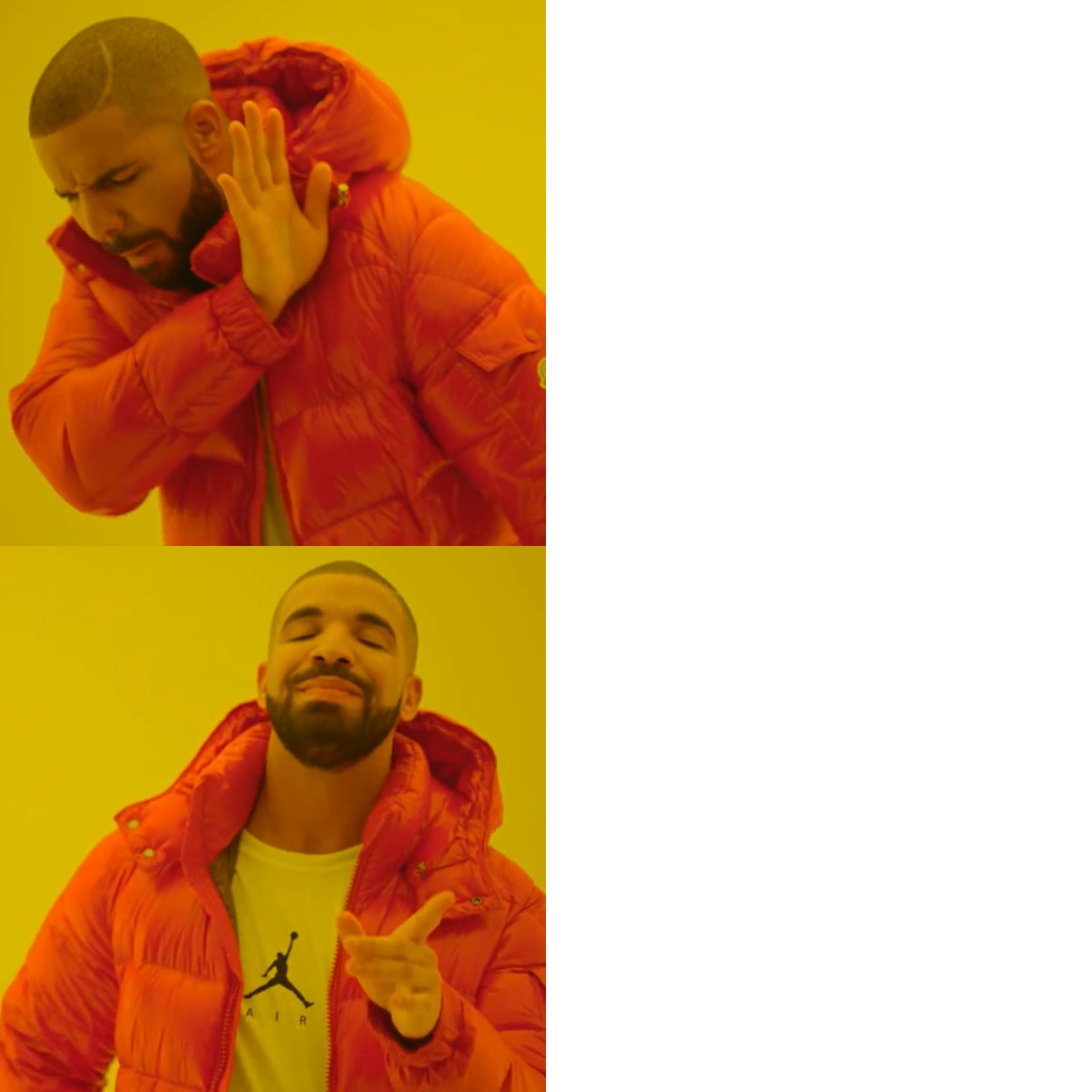
This is a free online meme creator that lets you upload any image or choose from ready-made templates and turn them into viral-worthy memes in seconds. You can add custom text, resize it, change colors, adjust borders, and position everything exactly how you want — all directly inside your browser. No downloads. No complicated software.
Whether you’re making classic top-bottom memes, reaction memes, or something completely original, this tool gives you full control over your design.
How to Create a Meme
1. Choose an Image
Click “Choose Image” to upload your own photo from your device, or select one of the ready-to-use templates below the editor.
2. Add Your Text
Click “Add Text” to insert a text box. You can drag it anywhere on the image and resize it by pulling the corners.
3. Customize the Style
Adjust:
-
Text color
-
Border (outline) color
-
Border width
This helps your text pop and stay readable on any background.
4. Use AI Caption (Optional)
Need inspiration? Click “AI Caption” to instantly generate a fun caption that you can edit and customize.
5. Download Your Meme
Once you’re happy with your masterpiece, click “Download” to save your meme as a high-quality image to your device.
Editing Tips
-
Click any text to edit it directly.
-
Drag text to reposition it.
-
Resize text by dragging the corners.
-
Select text and press Delete or Backspace to remove it.
-
Add multiple text boxes for top and bottom captions.